A blank display, unstable tonnage or an alarm with no suspended load can indicate anything from a low-voltage supply to an incorrect crane configuration. By following the lifting condition, electrical supply, sensors, wiring, configuration and test records in order, you can separate a genuine overload from a monitoring fault and decide when the crane must be taken out of service.
Key takeaways
- Stop the lift and compare readings with the crane’s rated-capacity table.
- Check power, earthing, connectors and sensor circuits before replacing parts.
- Never bypass a load-limiter warning to continue lifting.
- Record the fault, test result and person authorised to approve repair.
Start with the lifting condition and the crane configuration
Stop the lift and compare the warning with the actual lifting condition before touching the display. Confirm the load, hook position, boom length, boom angle, working radius, counterweight, outrigger position and parts of line against the crane’s rated-capacity table.
A genuine overload exists when the measured condition matches the selected chart and the permitted capacity is exceeded.
For crane monitoring system troubleshooting in Pune, start with the crane’s configuration record, not sensor replacement. Check that the display has the correct crane model, chart, boom section, reeving setting and units. One wrong value can create a stable, convincing reading that is still unsafe.
Use this separation to judge the warning:
- Actual load and radius exceed the selected chart capacity: treat it as a real overload and lower the load safely.
- Actual load is within capacity, but the selected chart, boom angle, length or reeving is wrong: correct the setup under authorised procedures.
- The configuration matches, but load or radius is impossible, such as overload at an empty hook: suspect a crane safe load indicator fault.
- The warning appears with an open sensor circuit, failed angle or length transducer, low supply voltage or lost CAN or serial communication: preserve the fault code and event log before power-cycling.
Do not rely on a working two-block switch; it detects an approaching upper limit, not accurate load measurement. Record boom position, weather, supply voltage and the operation that triggered the alarm so an intermittent fault can be reproduced.
Use the symptom to narrow the fault
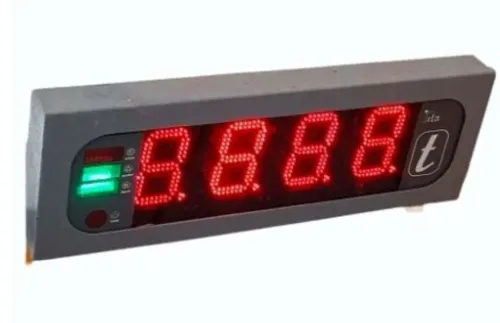
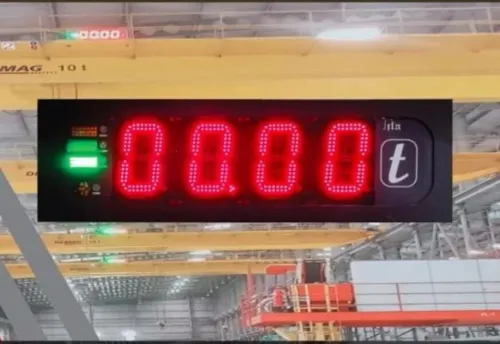
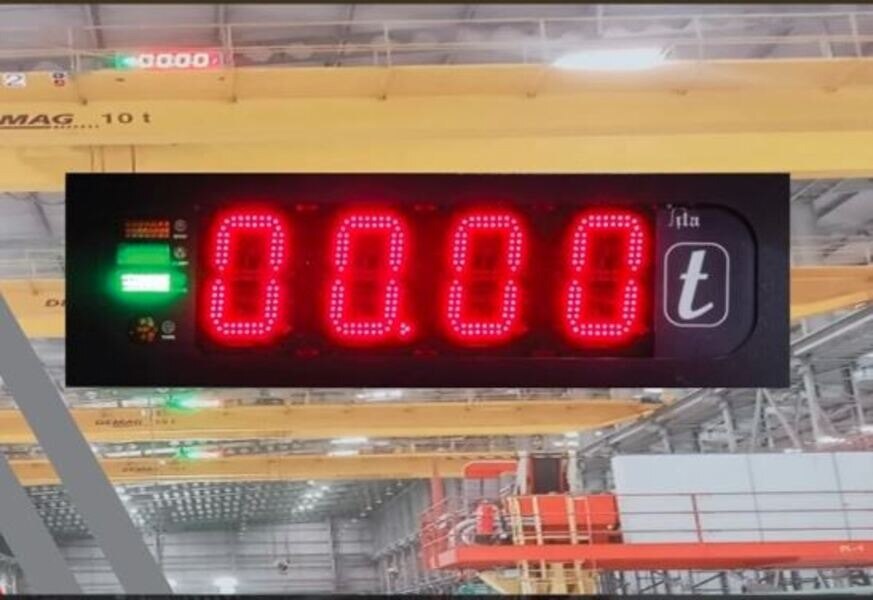
A blank display points to power, fuse, earthing or a failed display connection before it points to a load sensor. Check whether the unit has supply voltage at its terminals, then inspect the fuse, ground connection and display plug.
- If the display is frozen, compare the shown boom angle, radius and load with the crane’s actual position. A stopped value with a powered screen indicates lost CAN or serial communication, a failed input, or software locked by a fault.
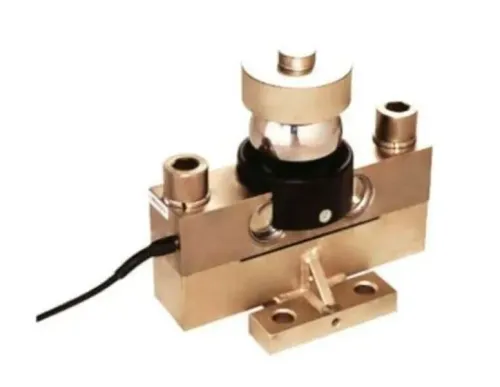
- If the load value jumps, inspect the load cell or pressure sensor circuit, junction box, connectors and cable shielding. Movement-related changes point to a loose terminal, damaged cable or open circuit.
- If the alarm sounds with no load, verify sensor zero, boom angle, length, radius, reeving and rated-capacity-table selection. An old crane profile in a replacement display can create a stable but incorrect overload indication.
- If a warning appears only during boom movement, record whether the angle or length reading changes correctly. A failed transducer can make the system calculate a false radius and trigger crane load monitoring problems.
Save the fault code before switching power off. Record the event log, supply voltage, configuration, boom position, weather and operation that triggered it; power-cycling can erase evidence. Do not bypass a cut-out or repeatedly reset the system.
Escalate a crane safe load indicator fault involving sensor replacement, software configuration or unexplained alarms to a qualified technician.
Inspect power, earthing, connectors and sensor circuits
Low supply voltage, poor earthing and loose terminals explain many resets before a sensor has failed. For crane for monitoring system problems in Pune, record the fault code, event log, supply voltage, boom position and triggering operation before power-cycling; a reset can erase the evidence.
| Symptom | Likely cause | Check |
|---|---|---|
| Resets or a blank display | Low voltage, loose fuse holder, shared circuit with a winch or starter | Measure voltage at the indicator during operation, inspect fuses and terminals, and verify the manufacturer’s supply range |
| Communication failure | Open CAN or serial pair, damaged shield, poor termination or water in a connector | Isolate power, inspect connector pins, check continuity and termination resistance against the wiring diagram, then secure the cable |
| Fault appears as the boom moves | Crushed cable, inadequate strain relief, vibration-loosened terminal or damaged junction box | Flex the harness through the boom’s full travel while monitoring values; repair the cable rather than taping over damaged insulation |
Check the earth conductor and bonding straps for corrosion, paint between contact surfaces and loose fasteners. Inspect load-cell, pressure, angle and length-sensor circuits for open or shorted wires, incorrect polarity, moisture and a shifted sensor bracket.
A changing fault during boom movement is a wiring fault until proved otherwise; never bridge a safety input to silence it. Have a qualified technician perform live circuit tests, sensor-zero checks and post-repair calibration.
Interpret load-limiter warnings without bypassing protection
Stop hoisting when a warning appears; do not continue until the overload cut-out operates. Confirm the suspended load, working radius and selected crane configuration against the rated-capacity chart. If the condition is unsafe or unclear, lower the load under the manufacturer’s procedure, keep people clear and report the alarm.
Load limiter warning problems often arise from these nuisance-trip causes:
- Radius increases as the boom luffs out, reducing rated capacity even when the load remains unchanged.
- An incorrect reeving or parts-of-line setting makes the system compare the lift with the wrong capacity.
- Sudden hoisting, braking, load swing, snagging or side loading creates a peak force above the steady load.
- A warning threshold set too close to the working load leaves little margin for movement, wind or ground settlement.
A warning, overload cut-out and sensor fault are different indications. Their thresholds, alarm delays, cut-out behaviour and permitted bypass procedures come from the crane manufacturer; no universal 90% or 110% rule applies. A working two-block alarm also does not prove that load measurement is accurate.
Never bridge a cut-out, disable an alarm or treat a bypass as permission to lift.
If the limiter alarms with no suspended load, or repeatedly trips after the configuration is confirmed, stop using the crane and call a qualified technician. Record the displayed load, radius, boom angle, selected profile and alarm code before power is removed.
Verify accuracy, define repair authority and document the result
Do not return the crane to service because the display has come back on. Preserve the fault code, event log, sensor values, supply voltage, configuration, boom position and operation that triggered the alarm before power-cycling. A crane safe load indicator fault can disappear while its cause remains.
For crane monitoring system troubleshooting in Pune, compare the repaired or replaced system with the crane configuration record before testing. Confirm the rated-capacity table, counterweight, outrigger position, reeving, boom length and angle, and working radius. One wrong setting can produce a stable but false reading.
Run the acceptance test under the manufacturer’s procedure and the applicable statutory inspection regime:
- Confirm zero with no suspended load and record displayed radius, boom angle and boom length.
- Apply several verified test loads across the working range; compare the readings with the test loads and the rated-capacity table.
- Check the pre-warning, overload threshold, cut-out, two-block protection, emergency-stop response and event recording.
- Record the date, test loads, configuration, readings, alarm results, technician’s name and any corrective action.
An annual sticker does not prove accuracy after sensor replacement, structural repair, software or load-chart changes, or an overload event. The lifting-equipment duty holder remains responsible for authorising use.
Stop and call a qualified technician or the manufacturer for failed input checks, incorrect cut-out behaviour, repeated communication faults, damaged sensors, altered software or any result outside the manufacturer’s tolerance. SMARTITA PRIVATE LIMITED can verify its system’s configuration and commissioning method when its equipment is involved.
Related products
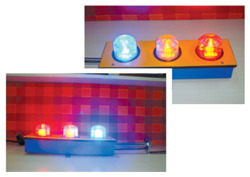 | Safe Load Indicators for Cranes Safe Load Indicators for Cranes SmartITA Pvt. Ltd. designs and manufactures advanced Safe Load Indicators (SLI) for Cranes to improve operational safety and prevent crane... View product → |
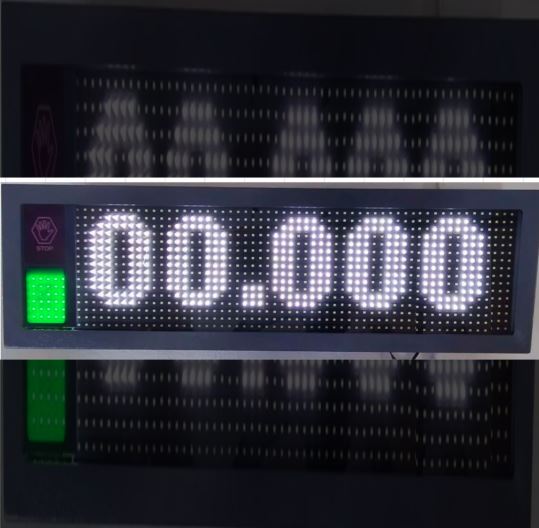 | Crane Safe Load Indicator ₹25000 Price: ₹25,000/Piece The Crane Safe Load Indicator (SLI) from SmartITA Pvt. Ltd. View product → |
Frequently asked questions
What should you check first when a crane safe load indicator shows a fault?
Stop the lift and compare the warning with the actual load, hook position, boom length, boom angle, working radius, counterweight, outrigger position and parts of line against the crane’s rated-capacity table.
How can symptoms narrow a crane monitoring system fault?
Relate the symptom to the operating condition: a blank display points you toward power and connections, while unstable or implausible readings require checks of connectors, sensor circuits and installation.
Which electrical checks belong in crane load monitoring troubleshooting?
Inspect the power supply, earthing, connectors and sensor circuits. Look for loose plugs, damaged wiring, corrosion and inconsistent circuit readings before authorising component replacement.
Should you bypass a load limiter warning during a lift?
No. Stop the lift, establish whether the warning matches the crane configuration and have an authorised competent person assess the protection system before resuming work.
What should a crane monitoring fault repair record contain?
Record the crane configuration, reported symptom, warning shown, inspections performed, test results, repair authority, corrective action and final verification result.
Related products
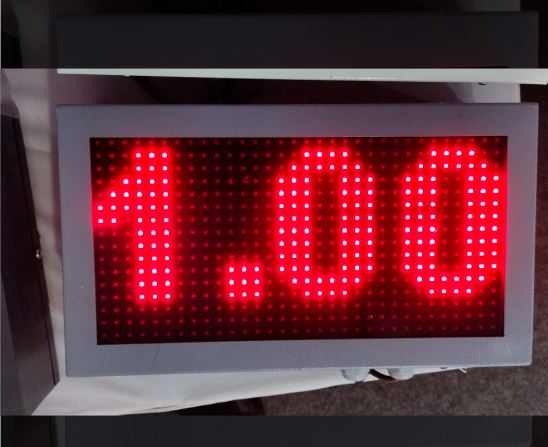 | Safe Load Indicator ₹87000 The 50 Ton Safe Load Indicator (SLI) from SmartITA Pvt. Ltd. For Automation is a high-performance crane safety system designed to accurately monitor... View product → |
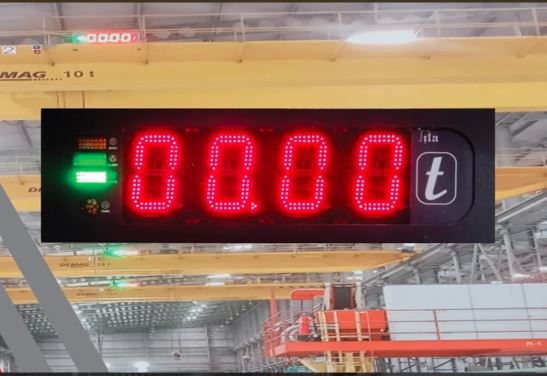 | Safe Load Indicator ₹48000 Price: ₹48,000/Piece The 10 Ton Safe Load Indicator (SLI) from SmartITA Pvt. Ltd. View product → |
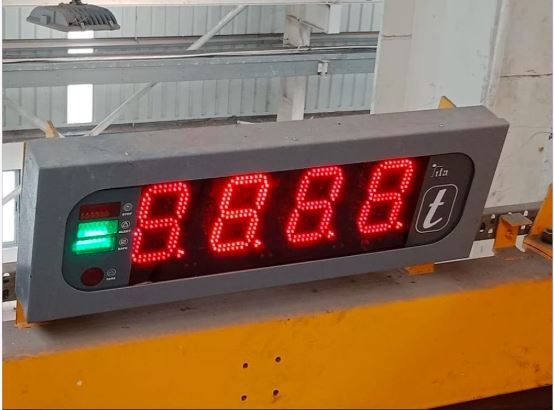 | Safe Load Indicator ₹35000 The 5 Ton Safe Load Indicator (SLI) from SmartITA Pvt. Ltd. For Automation is a reliable crane safety system designed to monitor lifting loads in... View product → |
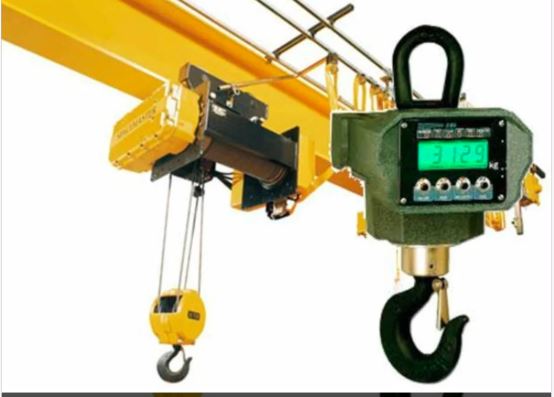 | Crane Load Indicators ₹87000 Price: ₹87,000/Piece The 50 Ton Crane Load Indicator from SmartITA Pvt. Ltd. View product → |