A failed 100-ton load limiter can result from a damaged sensor, broken cable, faulty display, incorrect calibration or a mechanical installation problem. By the end, you will have a safe restoration sequence covering isolation, fault separation, inspection, calibration and return-to-service testing.
Key takeaways
- Remove the crane from service and isolate all stored energy before inspection.
- Match the fault symptom to the sensor, cable, display, or power circuit.
- Recalibrate through the installed load path, not with an unverified substitute.
- Record test loads, calibration results, parts, and the technician’s traceability details.
Make the Crane Safe and Identify the Installed System
Remove the crane from service before touching a failed limiter. Lower and secure the hook, clear and barricade the suspended-load zone, isolate electrical power, release stored hydraulic or mechanical energy, and prohibit testing with a suspended load.
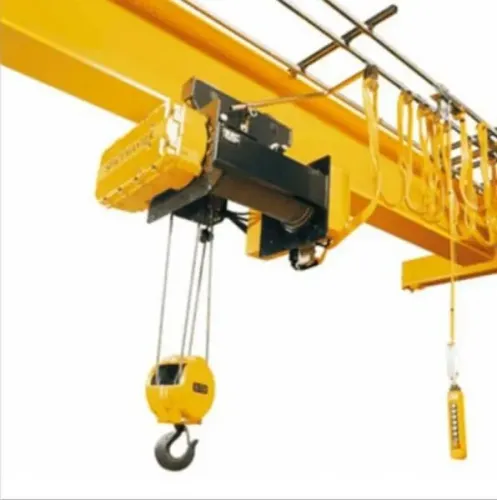
1. Record the crane’s rated capacity, reeving arrangement, hook-block weight, sensor position, line angle and manufacturer safety margin. A 100-ton cell is not automatically a 100-ton limiter; the configured trip point must match the complete load path, including dynamic effects.
2. Photograph the indicator, controller, junction boxes, connectors, load cell and cable routing before disconnecting anything. Tag each conductor and record supply voltage, excitation, grounding, communication connections and relay states.
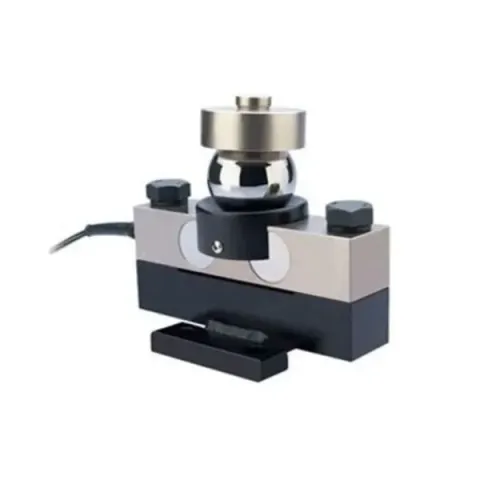
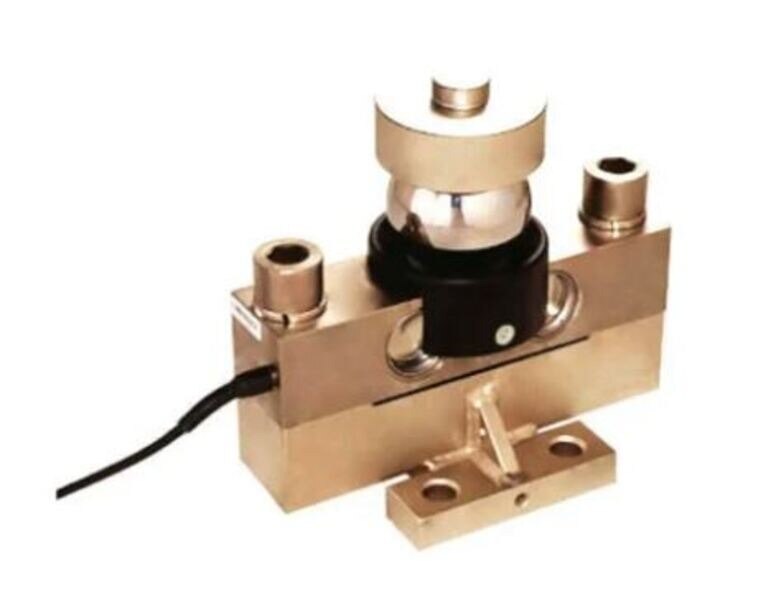
3. Identify the sensor architecture from its nameplate, wiring diagram and connector. Classify it as an analog strain-gauge cell with a separate digital indicator, an integrated digital load cell, or a load pin with proprietary conditioning electronics.
4. Confirm the replacement requirements before ordering. Pinout, excitation, termination, protocol, firmware, zeroing procedure and calibration constants are not interchangeable, so a generic cell can produce a plausible but wrongly scaled reading.
For 100 ton digital load cell load for limiter repair in pune, provide the installed model, serial number, architecture and wiring documents to the technician. Do not approve a repair based only on a zero adjustment; the complete installed load path requires later traceable verification.
Use the Symptom to Narrow the Fault
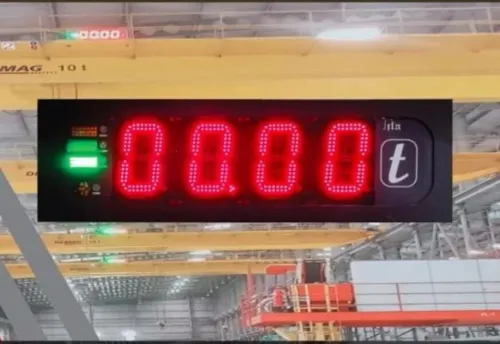
A dead display does not prove a failed load cell. Separate the chain into sensor, cable or junction box, digital transmitter, display, controller, power supply, communication link and relay output, then record each result independently.
- A full-scale, zero or negative reading at no load points first to an open or shorted circuit, reversed excitation, moisture, damaged cable, failed transmitter or broken load path. Check the manufacturer’s resistance limits; never insulation-test connected digital electronics.
- A stable transmitter output with no display points to the display, data link, controller or its supply. Confirm supply voltage, grounding, communication status and error codes at both ends.
- An unstable reading points to loose terminals, shielding damage, water ingress, side loading or transmitter failure. If it appears only after heating, record equipment temperature and repeat the test warm.
- A correct load reading with no alarm or shutdown identifies a controller-logic, relay, wiring or crane-control fault. Test warning and overload thresholds, relay state and the prohibited-motion response separately.
- Zero drift, poor repeatability or hysteresis after the signal path passes inspection points back to the load cell or its mechanical installation.
For digital load cell load limiter troubleshooting, accept recovery only after stable zero, repeatable test points, return-to-zero, communication, relay and fail-safe checks pass. Document whether the original cell remains fit for service.
Inspect the Load Path, Cabling and Electrical Circuits
Mechanical inspection comes before electrical recalibration: a binding load pin, twisted rope, uneven bearing, seized sheave, side loading, or contact with steelwork can create a believable load value from a broken load path.
Confirm the pin is seated in the specified orientation, mounting plates are tight and undistorted, retainers and bearings are intact, and alignment is straight. Look for cracks, bent hardware, shifted brackets and movement marks.
- Open each junction box and inspect glands, seals and drain points. Water, condensation, green corrosion, loose terminals, crushed cable and a damaged shield expose faults that can appear only during lifting.
- Disconnect the load cell from digital electronics before testing. Measure excitation and signal resistance against the cell manufacturer’s limits; infinite resistance indicates an open circuit, while near-zero resistance indicates a short.
- Check every conductor end-to-end, then check each conductor against the others and the shield. Do not apply an insulation tester to a connected digital cell or transmitter; it can destroy the electronics.
| Fault clue | Check | Likely finding |
|---|---|---|
| Full-scale or zero reading | Verify excitation polarity and signal continuity | Reversed polarity, open conductor or broken load path |
| Unstable or intermittent reading | Flex the cable and inspect terminals | Strain damage, loose connection or moisture |
| Negative or implausible value | Check signal polarity and mounting orientation | Reversed conductors or incorrectly seated load pin |
Repair and Recalibrate Through the Installed Load Path
Do not fit a generic 100-ton replacement cell into a failed limiter. Its pinout, excitation, protocol, termination, firmware and calibration constants may not match the installed electronics.
Identify the architecture before ordering parts:
- An analog strain-gauge load cell with a separate digital indicator
- An integrated digital load cell
- A load pin with proprietary conditioning electronics
Restore the failed part, cable, junction box, transmitter, display or relay controller identified by testing. Record excitation voltage, signal or digital output, supply voltage, grounding, communication status and relay state separately. A display that returns to life does not prove the sensor is sound. Match capacity, output type, connector, environmental rating, firmware and mechanical dimensions.
Calibrate through the installed load path, not by adjusting zero. Apply traceable force at several points across the operating range, using a method appropriate to the crane system. ISO 376 provides a framework for repeatability, reproducibility, reversibility, creep and zero-return evaluation.
Include ambient and equipment temperature, warm-up time, and zero readings before and after loading; thermal drift can appear only after operation.
Accept the 100 ton load cell service only when the record shows:
- Stable unloaded zero and repeatable readings
- Acceptable hysteresis and return-to-zero
- Correct alarm and shutdown thresholds
- Reliable communication and relay operation
- Intact sealing and a decision on the original cell’s fitness
Recheck reeving, hook-block weight, geometry, dynamic effects and the configured safety margin before release.
Recover From an Overload and Prove the Limiter Works
Do not accept a cleared alarm or returning display as proof of load limiter recovery. Inspect the cell body for permanent deformation, cracks, shifted mounting hardware, damaged seals, cable strain and side-loading marks. A cell that returns to zero can still have lost accuracy or overload margin.
- Confirm stable unloaded zero before loading and after unloading.
- Apply several test points across the operating range and check repeatability, hysteresis and return-to-zero.
- Verify warning and overload thresholds, alarm indication, relay operation and shutdown of the prohibited crane motion.
- Remove power and interrupt the signal to confirm fail-safe behavior; test reset, remote indication and communication.
- Observe the cell, cable, junction box and transmitter after warm-up, recording temperature and any thermal drift.
- Confirm every test bypass is controlled, documented and removed before service.
Require traceable force verification using a method suited to the installed system; ISO 376 provides criteria for repeatability, reversibility, creep and zero return. The record must state whether the original cell remains fit for service or was replaced, and show no intermittent relay or communication fault.
Choose a Traceable Repair Service in Pune and Record the Result
Before accepting a restored 100-ton load limiter, require a signed report identifying the installed architecture and separating faults in the sensing element, cable or junction box, digital transmitter, display, and relay output.
For 100 ton digital load cell repair in pune, require recorded excitation and supply voltage, signal or digital output, grounding, communication status, relay state, firmware, pinout and sensor constants.
| Evidence | Accept | Reject |
|---|---|---|
| Calibration | Traceable force verification across several operating points, with repeatability, hysteresis, creep and return-to-zero assessed in a method aligned with ISO 376 | Zero adjustment or one comparison with a known load |
| Temperature check | Ambient and equipment temperatures, warm-up condition, and zero before and after loading recorded | Room-temperature pass only |
| Limiter function | Trip point checked against reeving, hook-block weight, geometry, rated capacity and safety margin; alarms and shutdown operate correctly | Sensor replaced without configuration verification |
| Condition | Sealing, connectors and cable strain relief inspected; no intermittent communication or relay fault | Load display works but protection is untested |
Request the calibration certificate, test readings, replaced-part details and a clear decision on whether the original cell remains fit. Whether you use SMARTITA PRIVATE LIMITED or another provider, keep the serial number and signed return-to-service record with the crane file.
Related product
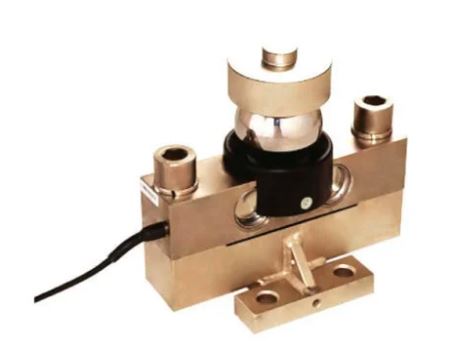 | Digital Load Cell ₹85000 Price: ₹85,000/Piece The 100 Ton Digital Load Cell from SmartITA Pvt. Ltd. View product → |
Frequently asked questions
What should you do before repairing a 100-ton digital load cell load limiter?
Remove the crane from service, lower and secure the hook, barricade the suspended-load zone, isolate electrical power, release stored hydraulic or mechanical energy, and prohibit testing with a suspended load.
How do you troubleshoot a digital load cell load limiter?
Use the symptom to narrow the fault, then inspect the load path, sensor mounting, cabling, connectors, display, power supply, and electrical circuits before replacing components.
How do you recalibrate a 100-ton digital load cell load limiter?
Repair the installed load path first, then calibrate through that path using controlled test loads and record the zero, span, displayed load, applied load, and pass or fail result.
How do you recover a crane after an overload event?
Keep the crane isolated, inspect the load cell and mechanical load path for deformation or damage, identify and correct the overload cause, recalibrate the limiter, and prove its warning or shutdown functions before returning to service.
What records should a Pune load cell repair service provide?
Request the repair report, equipment identification, fault found, parts replaced, calibration method, test-load results, instrument traceability, date, technician details, and the next inspection or calibration due date.