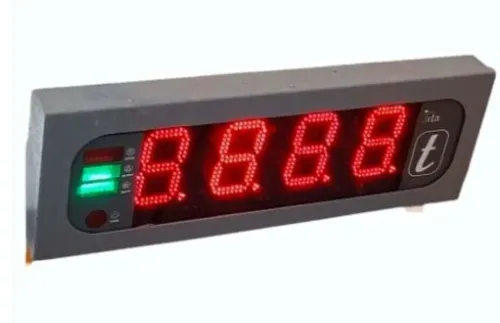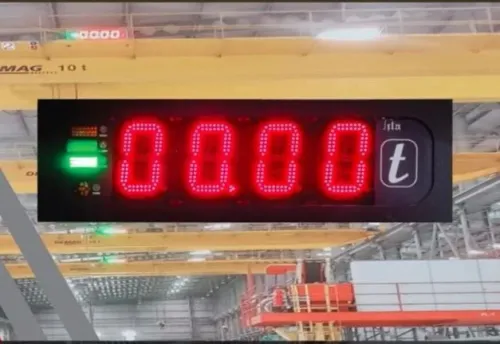
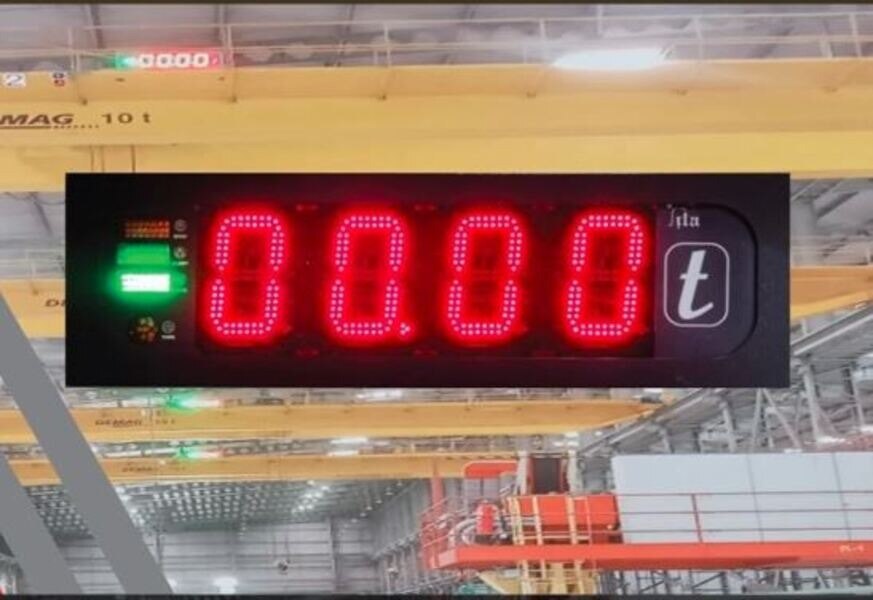
A blank display, false overload alarm or unstable load reading needs a controlled diagnosis before anyone continues lifting. By following the fault sequence, separating electrical and sensor problems from mechanical defects, and checking the crane’s actual configuration, you can identify what requires a trained technician and what makes the crane unsafe to operate.
Key takeaways
- Stop lifting and clear the crane’s drop zone.
- Check power, fuses, connectors, sensors, and display wiring.
- Compare the 50-ton indicator with the crane’s rated configuration.
- Arrange competent repair when alarms persist or safety data is unreliable.
What to do when a crane monitoring system fault appears
Stop lifting immediately and keep people outside the crane’s drop zone. A crane monitoring system fault is a safety stop, not a prompt to reset the indicator and continue.
1. Record the fault code before clearing it. Note the displayed load, radius, boom angle, crane configuration, supply-voltage reading, weather, recent wash-down, and action that preceded the fault. A disappearing code can remove the evidence needed for diagnosis.
2. Lower and secure the load if you can do so without creating another hazard. Do not rely on a questionable overload alarm, radius reading, boom-angle signal, or limit switch to guide the movement.
3. Isolate the crane’s electrical supply using the manufacturer’s shutdown procedure. Apply site lockout rules before opening an enclosure, disconnecting a sensor, or handling wiring. Never bridge a fuse, defeat an alarm, or bypass a safety input.
4. Inspect connectors, junction boxes, harnesses, strain reliefs, and sensor cables for water ingress, corrosion, crushed sections, loose terminals, damaged shielding, mud, dust, and condensation. In Pune, monsoon moisture and wash-down water deserve particular attention. If the fault appears when the boom moves, suspect routing or strain relief first.
5. Check the indicator’s fuse, circuit breaker, ground or return conductor, display connector, backlight, and communication cable before replacing a load cell or pressure transducer. A blank screen can be a power fault, not a measurement fault.
6. Remove the crane from service until a competent technician identifies the cause, verifies the manufacturer’s configuration and load chart, and completes documented testing across the affected boom positions and radii.
How to diagnose a crane load display not working
A crane load display not working does not prove the display has failed. Before clearing a code or cycling power, record the code, crane configuration, displayed load, radius, boom angle, supply voltage, weather or wash-down history, and the action that preceded the fault.
Check these items in order, with lifting stopped and power isolated safely where inspection requires it:
- Measure DC supply at the indicator, not only at the battery. Check the fuse, circuit breaker, ground or return conductor, and signs of water ingress.
- Inspect the display connector, sensor plugs and communication cable for looseness, corrosion, crushed insulation or broken shielding. Restore a secure connection before replacing a sensor.
- Test screen brightness and the backlight. A lit keypad with no image points to screen or backlight failure; a dead unit points to supply or internal electronics.
- Compare the indicator’s response with sensor and communication status. Do not re-zero a persistent zero error until you inspect pre-load, a shifted load pin, trapped hydraulic pressure, mechanical interference, tare and sensor drift.
| Symptom | Most useful check | Likely fault |
|---|---|---|
| Blank screen | Supply, fuse, ground, backlight | Power circuit or display |
| Frozen value | Communication cable and sensor status | Data link, sensor or display electronics |
| Unstable value | Connectors, shielding and sensor mounting | Wiring, interference or sensor |
| Wrong radius or capacity | Boom-angle linkage, length calibration and encoder reference | Configuration or position-sensing fault |
A stable load number can coexist with a wrong radius. Verify calibration against documented reference loads and the manufacturer’s configuration data across relevant boom positions, radii and rated-capacity zones; one agreeing test point does not validate the system.
How to investigate a 50 ton safe load indicator problem
Treat a 50 ton safe load indicator problem as a configuration investigation before condemning a sensor: a 50-ton rating applies only to specified boom, radius, counterweight and outrigger conditions.
Check these settings and components:
- Select the correct load chart and operating mode: main boom, jib or fly, attachment, reeved parts, counterweight and outrigger position.
- Compare entered boom length, boom angle and working radius with the crane’s actual configuration. Confirm any wind-limit setting.
- Inspect the load pin or load cell, pressure transducer, boom-angle sensor, radius sensor, limit switches and junction boxes for damage, mud, loose mounting or shifted alignment.
- Measure indicator DC supply, fuse and ground or return conductor. Inspect connectors, communication cables, backlight and enclosure for corrosion, condensation or monsoon water ingress.
- Record the fault code and whether the reading is blank, frozen, unstable, zeroed incorrectly or showing an incorrect radius.
| Symptom | Check first | Likely direction |
|---|---|---|
| Blank display | Supply, fuse, connector, backlight | Power or display circuit |
| Wrong capacity after setup change | Chart, mode, boom and outriggers | Configuration error |
| Unstable load | Sensor wiring, ground, moisture | Signal interference or transducer fault |
| Correct at one position only | Reference calibration across zones | Calibration or chart data |
Do not calibrate against an arbitrary test load. Use a documented reference and the manufacturer’s configuration data, covering relevant boom positions, radii and rated-capacity zones. Never bridge or mute the overload cut-out; remove the crane from lifting service if the indication or limiting function cannot be verified.
How to separate SLI faults from crane and lifting faults
A wrong indication usually follows a sensor, configuration or wiring change; a crane fault follows physical movement, load retention or visible damage. Use this test for safe load indicator for crane monitoring system problems in pune:
1. Stop the lift and record the displayed load, radius, boom angle, boom length and selected configuration. Confirm the load chart, reeved parts, jib, counterweight and outrigger mode. A sudden alarm after reconfiguration can be a wrong chart selection, not a failed 50-ton sensor.
2. Test the load path with the load suspended only when the crane is otherwise safe. Brake creep, uncontrolled lowering or failure to hold points to the brake or hydraulic circuit, not the SLI. Hydraulic leaks, pressure fluctuation and slow movement support that diagnosis.
3. Inspect the rope, reeving, hook, sheaves, boom and structural members. Broken wires, crushed rope, abnormal reeving, cracks, bending, loose pins, outrigger settlement or visible deformation require the crane to stop. An overload alarm during a genuine excess load is doing its job.
4. Compare readings against a known unloaded and controlled load condition. Check the pressure or load sensor, angle and length sensors, radius calculation, limit switches and configuration inputs.
If the display changes when the boom moves, inspect water ingress, corrosion, crushed cables, loose terminals and shield termination; monsoon moisture, dust, condensation or unstable auxiliary DC supply can create intermittent faults.
Never bridge or mute the overload cut-out. If the indication and limiting function cannot be verified, remove the crane from service.
When to stop troubleshooting and arrange competent repair in Pune
Remove the crane from service immediately if the safe load indicator gives an unverified load, radius, boom-angle or capacity reading, or if its overload alarm or cut-out does not operate correctly. Do not bridge, mute or bypass the limiter to complete a lift.
Stop safe load indicator troubleshooting in Pune and arrange competent repair when:
- The display remains blank, frozen or erratic after checking the auxiliary DC supply, fuse, return conductor, connectors and communication wiring.
- Moisture appears in outdoor connectors or junction boxes, condensation is inside the display enclosure, or dust and mud have contaminated sensors or switches.
- The fault returns after reset, especially following monsoon exposure, wash-down or an interrupted power supply.
- The displayed capacity conflicts with the crane load chart, or the system cannot recognise the installed boom, radius, counterweight, outriggers or attachment.
Record the fault code before clearing it. Include the date, crane configuration, displayed load, radius, boom angle, supply voltage, weather or wash-down history and the action that preceded the fault. Attach photographs, test readings, replaced parts and the technician’s findings to the crane maintenance record.
Use a qualified specialist for calibration and compliance checks. Require a documented reference test against the manufacturer’s configuration data across relevant boom positions, radii and rated-capacity zones, then verify alarms, limit switches and cut-out functions. SMARTITA PRIVATE LIMITED can help assess whether the installed monitoring system matches the crane’s configuration before return to service.
Related products
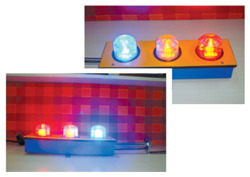 | Safe Load Indicators for Cranes Safe Load Indicators for Cranes SmartITA Pvt. Ltd. designs and manufactures advanced Safe Load Indicators (SLI) for Cranes to improve operational safety and prevent crane... View product → |
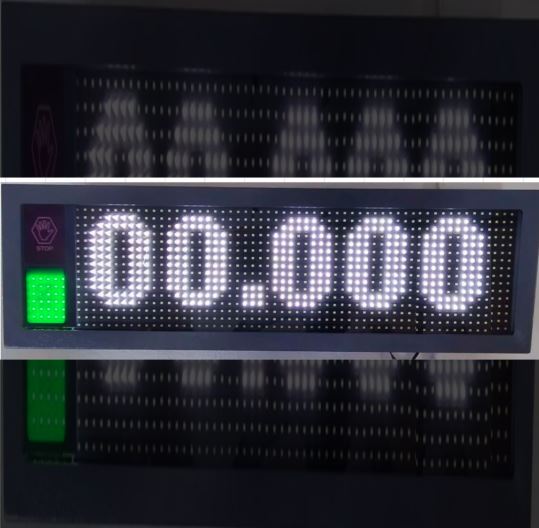 | Crane Safe Load Indicator ₹25000 Price: ₹25,000/Piece The Crane Safe Load Indicator (SLI) from SmartITA Pvt. Ltd. View product → |
Frequently asked questions
What should you do when a crane monitoring system fault appears?
Stop lifting, lower or secure the load if it is safe, isolate the crane, and keep people outside the drop zone. Record the fault code and do not bypass the alarm.
How do you diagnose a crane load display that is not working?
Check the indicator’s power supply, fuse, isolator, display connections, sensor cables, and earth connection. Confirm that the display receives power before testing the load sensor or wiring.
How do you investigate a 50 ton safe load indicator problem?
Confirm the indicator is configured for the crane’s actual rated capacity, boom length, radius, reeving, and sensor type. Compare its readings with approved load charts and inspection records.
How can you separate a safe load indicator fault from a crane or lifting fault?
Check the crane’s mechanical condition, hydraulic pressure, boom angle, radius, hook block, rigging, and actual load separately from the indicator. Treat conflicting readings as unsafe until a competent person verifies the system.
When should you arrange competent repair in Pune?
Arrange repair when the alarm returns after a documented basic check, the display is blank, readings are unstable or implausible, wiring is damaged, calibration is overdue, or safety functions have been bypassed.
Related product
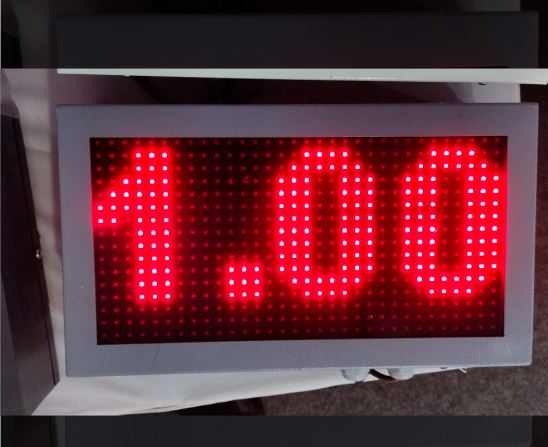 | Safe Load Indicator ₹87000 The 50 Ton Safe Load Indicator (SLI) from SmartITA Pvt. Ltd. For Automation is a high-performance crane safety system designed to accurately monitor... View product → |